How to Set Up Xtreme HD IPTV on Amazon Firestick in 3 Minutes (2026 Guide)
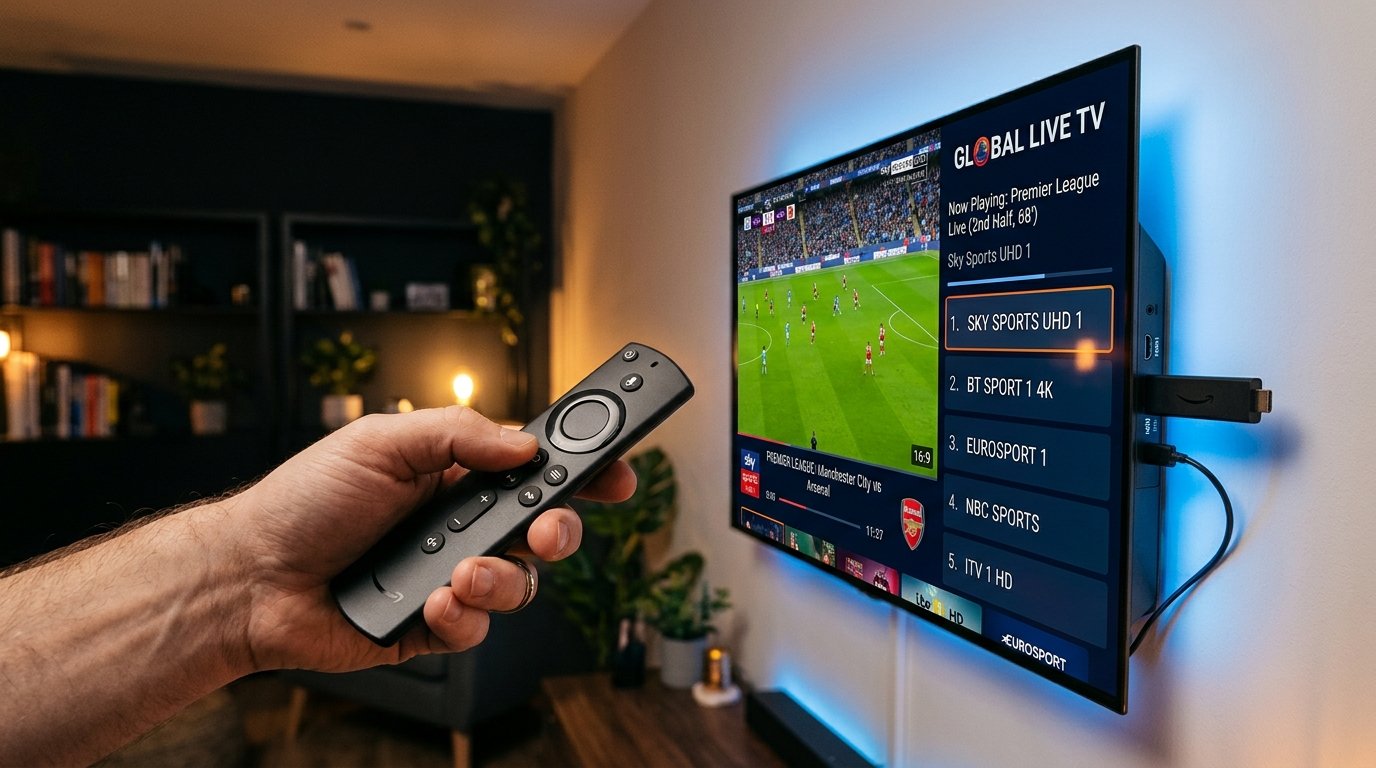
Setting up Xtreme HD IPTV on your Amazon Firestick or Fire TV Cube is one of the fastest and most reliable ways to unlock over 25,000+ live premium 4K television channels and 150,000+ movies on demand. In this complete 2026 step-by-step tutorial, we will guide you through the 3-minute installation process using the Downloader app and IPTV Smarters Pro.
⚡ What You Will Need:
- An Amazon Fire TV Stick (Lite, 4K, 4K Max, or Cube) connected to high-speed internet.
- Your Xtreme HD IPTV login credentials (Server URL, Username & Password sent to your WhatsApp).
- Approximately 3 minutes of your time.
Step 1: Install the Downloader App on Firestick
Because IPTV players are specialized multimedia applications, we install them safely using the official Downloader utility available directly in the Amazon Appstore:
- From your Firestick Home screen, navigate to Find and click on Search.
- Type
Downloaderin the search bar. - Select the orange Downloader icon from the search suggestions and click Download / Get.
- Wait a few seconds for the app to finish installing, but do not open it just yet.
Step 2: Enable Developer Options on Firestick
To allow your Firestick to install external streaming applications, enable unknown sources:
- Go to Settings (the gear icon on your home screen) > My Fire TV.
- Click on About.
- Highlight your device name (e.g. Fire TV Stick 4K) and click it 7 times rapidly until you see the notification saying: "No need, you are already a developer."
- Press the back button on your remote to return to My Fire TV. You will now see the new menu option: Developer Options.
- Click Developer Options > Install Unknown Apps > select Downloader and toggle it to ON.
Step 3: Download & Install IPTV Smarters Pro
Now that permissions are configured, launch Downloader:
- Open the Downloader app from your Apps & Channels list. Click Allow when prompted for storage access.
- In the URL field, enter the quick code:
https://firesticktricks.com/smarters(or type code250931). - Click Go. The APK download will begin automatically.
- Once downloaded, click Install on the prompt, then click Done. You can safely delete the APK file to save space on your Firestick.
Step 4: Connect Your Xtreme HD IPTV Account
- Launch IPTV Smarters Pro from your Apps screen.
- Select Add User, then choose Login with Xtream Codes API.
- Enter any friendly Any Name (e.g.,
Xtreme HD IPTV). - Enter your assigned Username, Password, and Server URL (e.g.
http://portal.xtremehdiptvs.live) exactly as received in your WhatsApp activation message. - Click Add User. The application will instantly sync live channels, VOD movies, series, and the EPG TV guide.
Ready to Start Streaming in Crystal-Clear 4K?
Get your instant credentials with 25,000+ channels and 99.9% anti-freeze technology today.
Get Firestick Credentials via WhatsApp →Pro Tips for Zero Buffering on Firestick
- Use Hardware Decoder: In IPTV Smarters Settings > Stream Format, select Hardware Decoder for smoother 60FPS sports playback.
- Connect to 5GHz Wi-Fi: If possible, connect your Firestick to your router's 5GHz wireless band, or use an Ethernet adapter.
- Keep Cache Clear: Periodically go to Settings > Applications > Manage Installed Applications > IPTV Smarters and click Clear Cache.
Experience 25,000+ Channels in True 4K
Stop dealing with buffering and overpriced cable bills. Get instant automated WhatsApp activation within 3 minutes backed by our 7-day money-back guarantee.
More Recommended Guides
View All Articles →