⚡ 3-MINUTE EASY INSTALLATION
Complete Device Setup Guides
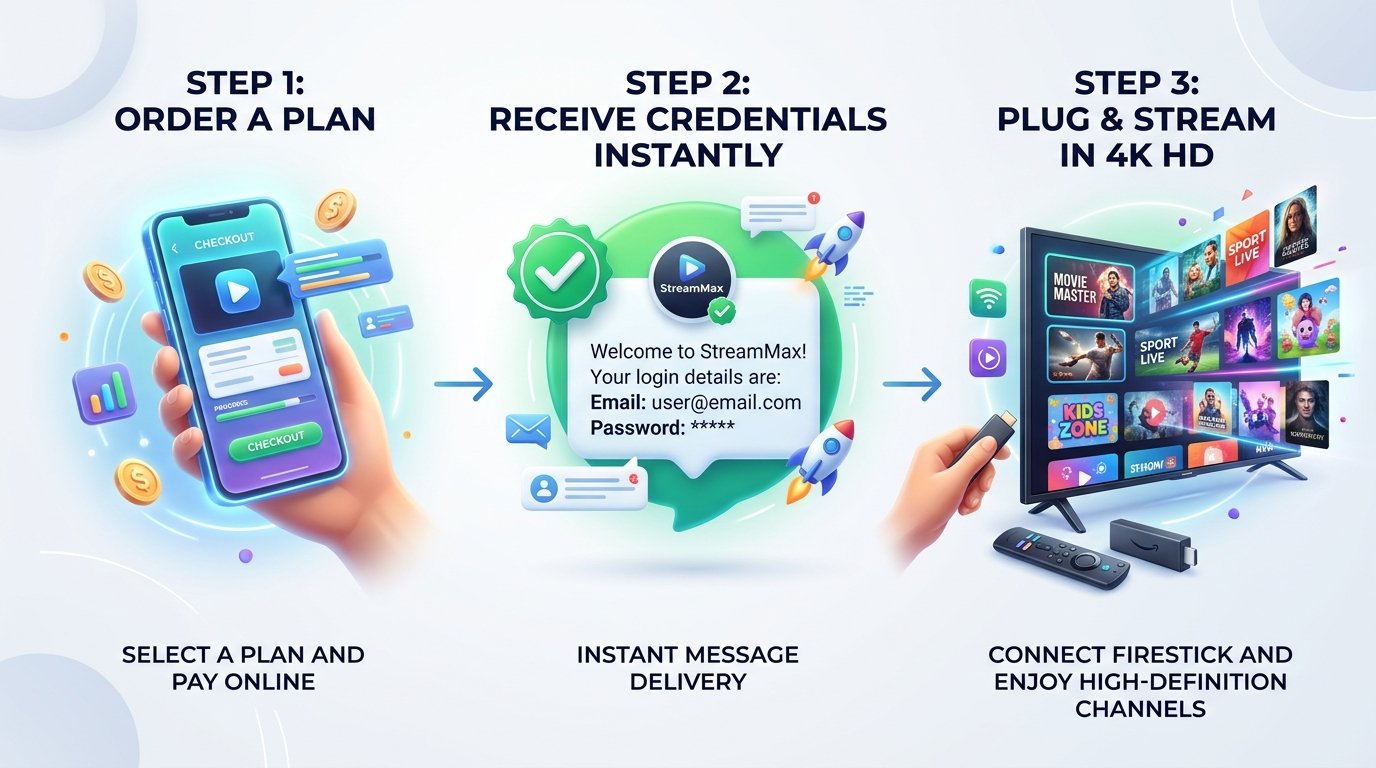
Follow our step-by-step setup guides to activate Xtreme HD IPTV on any streaming device in under 3 minutes.
Amazon Firestick & Fire TV
- From your Firestick Home screen, open Find > Search and type Downloader.
- Install Downloader. Go to Settings > My Fire TV > Developer Options and allow Downloader to install unknown apps.
- In Downloader URL field, enter:
https://firesticktricks.com/smarters
- Install IPTV Smarters Pro, open it, and choose Login with Xtream Codes API.
- Enter the Server URL, Username, and Password provided in your Xtreme HD IPTV WhatsApp activation message. Click Add User and enjoy!
Samsung & LG Smart TV
- Open the Samsung Smart Hub or LG Content Store on your television.
- Search for and install IBO Player, Smart IPTV (SIPTV), or Nanomid.
- Open the installed application and note your TV screen's MAC Address and Device Key.
- Send your MAC Address to our 24/7 WhatsApp technician team, and we will remotely upload your playlist within 60 seconds!
- Restart the app on your TV, and your entire 25,000+ channel catalog will be ready to watch.
Android TV, Box & Phone
- Open the Google Play Store on your Android device.
- Search for IPTV Smarters Pro, TiviMate, or XCIPTV and click Install.
- Open the app and select Login with Xtream Codes API.
- Enter your Username, Password, and Server Portal URL sent to your WhatsApp.
- Click Add User. The app will automatically download live channels, movies, and EPG TV guide.
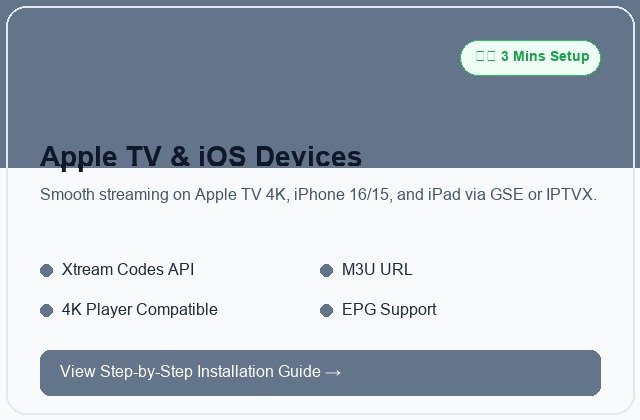
Apple TV, iPhone & iPad
- Open the Apple App Store on your iOS device or Apple TV.
- Search for Smarters Player Lite or GSE Smart IPTV.
- Install and launch the application. Accept the terms of service.
- Select Add User and choose Xtream Codes API.
- Enter the credentials provided in your activation message and tap Add User.

24/7/365 REMOTE ASSISTANCE
Need Help Setting Up? Our Technicians Configure Devices in Minutes